Instagram Video Download — Save Any IG Video in HD Quality
Download Instagram feed videos, IGTV episodes, and video carousels in crystal-clear 1080p MP4 format. 100% free, fast, and no watermark.
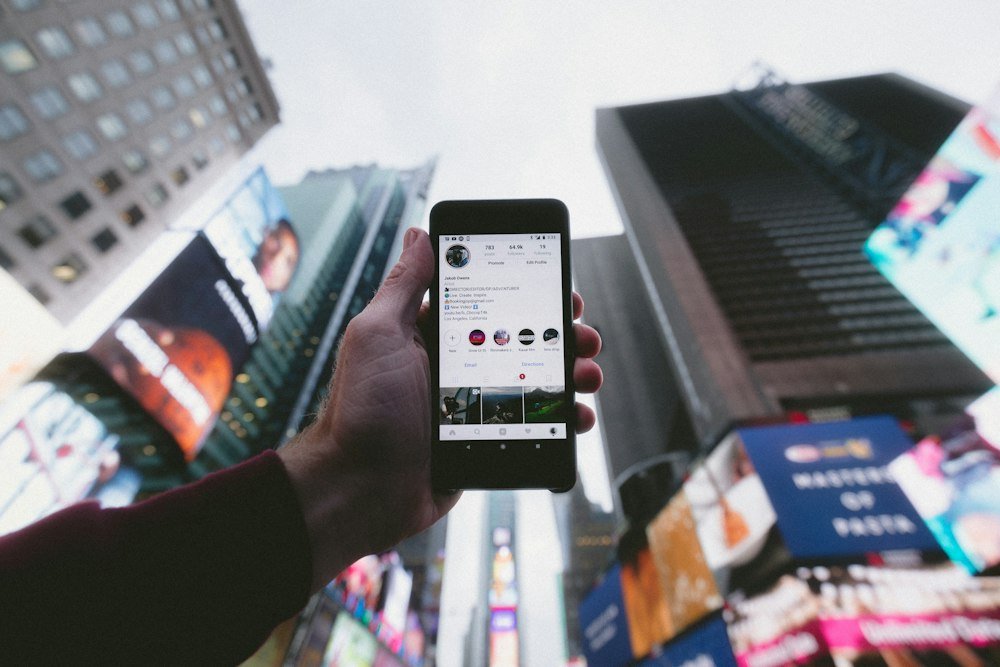
High-Definition Video Delivery on Instagram: Beyond Mobile Viewports
Video content on Instagram encompasses diverse formats: standard in-feed video posts, widescreen horizontal landscape clips, long-form IGTV broadcasts, and mixed video-and-photo carousels. To optimize global network bandwidth, Instagram’s media streaming architecture dynamically throttles video quality based on current cellular connection speeds, frequently resulting in blurred pixelation, dropped frames, and visual compression artifacts on mobile devices.
Our Instagram Video Download utility bypasses viewport-based network throttling by connecting directly to the origin media stream hosted on Meta’s global CDN. When you submit a video link, our system parses the shortcode, verifies public availability, and extracts the highest-bitrate progressive MP4 container available. If you also need to isolate audio tracks from downloaded videos, utilize our companion Instagram to MP3 Extractor, or explore our dedicated Reels Downloader for vertical 9:16 videos.
Step-by-Step Instructions: How to Download Feed Videos & IGTV
Archiving public video content is fast and requires zero software installations:
- Copy the Video URL: Open Instagram and navigate to the video post or IGTV episode you wish to save. Tap the three dots (…) or Share icon and select Copy Link.
- Submit to the Tool: Paste the copied link into the input field above. Ensure the URL contains the standard
/p/,/reel/, or/tv/shortcode identifier. - Extract Video Stream: Click Download Video. Our system resolves the master MP4 stream and renders an embedded video preview.
- Save to Device: Click the generated Download HD Video button to save the MP4 file directly into your device’s download directory.
For creators managing extensive video archives, pair this utility with our Thumbnail Downloader to extract high-resolution cover artwork, and use our Unfollowers Tracker to monitor your audience shifts.
Video Specifications & Playback Compatibility
Our video extraction engine preserves all standard technical specifications:
- Container: MPEG-4 Part 14 (.mp4).
- Video Codecs: H.264 (AVC) and H.265 (HEVC) progressive scan.
- Audio Codec: AAC-LC stereo at up to 320 kbps.
- Cross-Platform Compatibility: Plays smoothly in VLC, QuickTime, Windows Media Player, iOS Files, and Android Video Player.
For more detailed technical guidelines on web video streaming, consult the W3C WebCodecs Specification.
Ethical Use & Copyright Protection
We encourage all users to practice ethical video consumption:
1. Intellectual Property Respect: Video content is protected by international copyright laws. Downloaded files are intended strictly for personal offline viewing, educational research, and creative archiving. Never republish or monetize another creator’s video without permission.
2. Zero Data Retention: All video streams are resolved on-demand and transmitted directly between Instagram’s CDN and the user’s browser. Read our Privacy Policy.
Frequently Asked Questions
Related Instagram Utilities & Resources
Instagram Reels Download
Save vertical Instagram Reels in original 1080p HD without compression or watermarks.
Instagram to MP3 Audio Extractor
Isolate high-bitrate background music and voiceovers from any video into MP3.
Instagram Photo & Carousel Saver
Download full-resolution photos and multi-slide carousels at original quality.
Instagram Thumbnail Downloader
Extract original video poster frames and cover images in full resolution.